Random Salad Games LLC

Simple Solitaire

Classic card patience, clean and fast, right when you need it

Play free on Microsoft Store
4.6 from 473K ratings Free
  • Card & board
  • Windows PC & tablet
  • On the Store since 2012
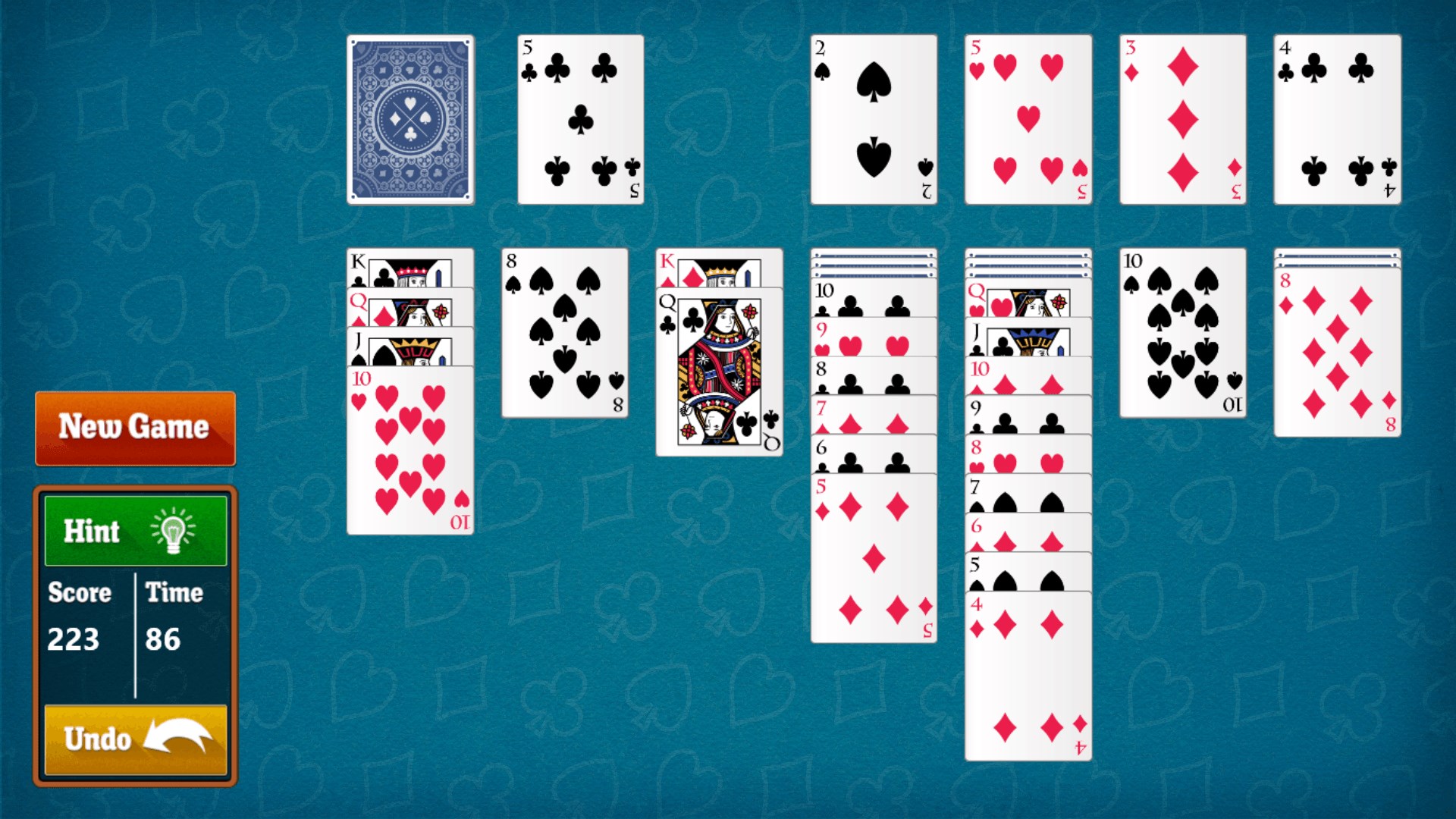
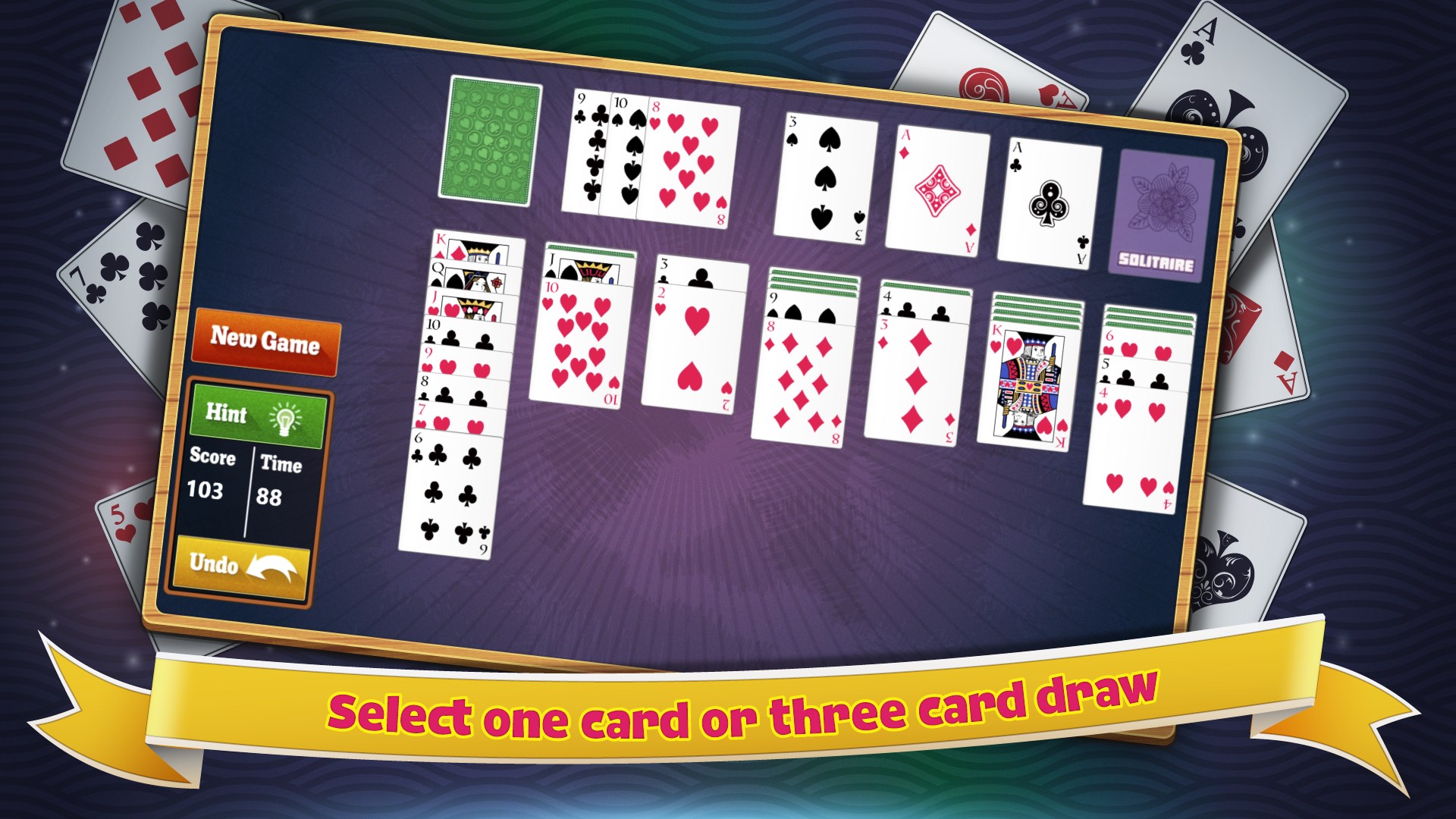
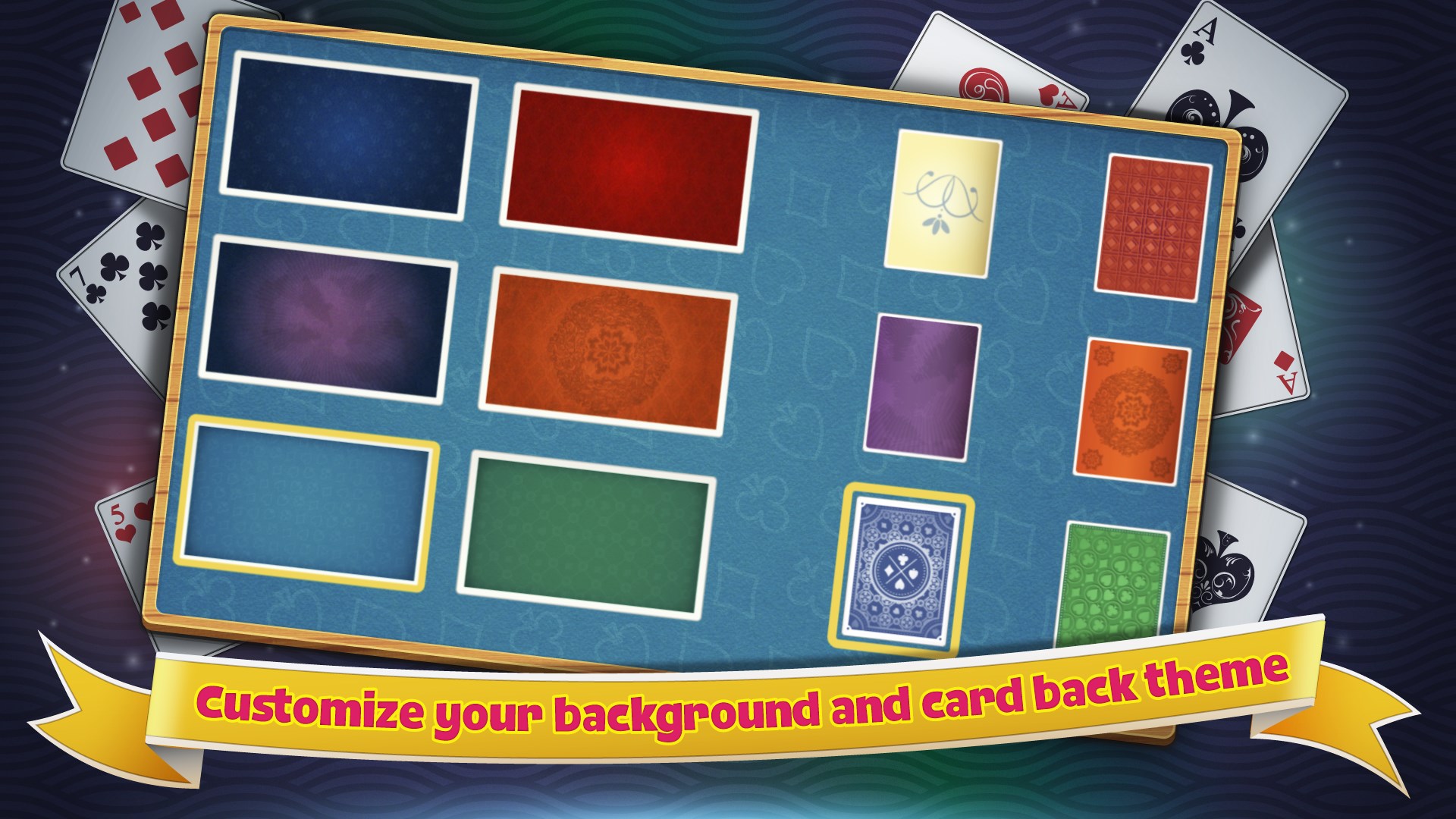
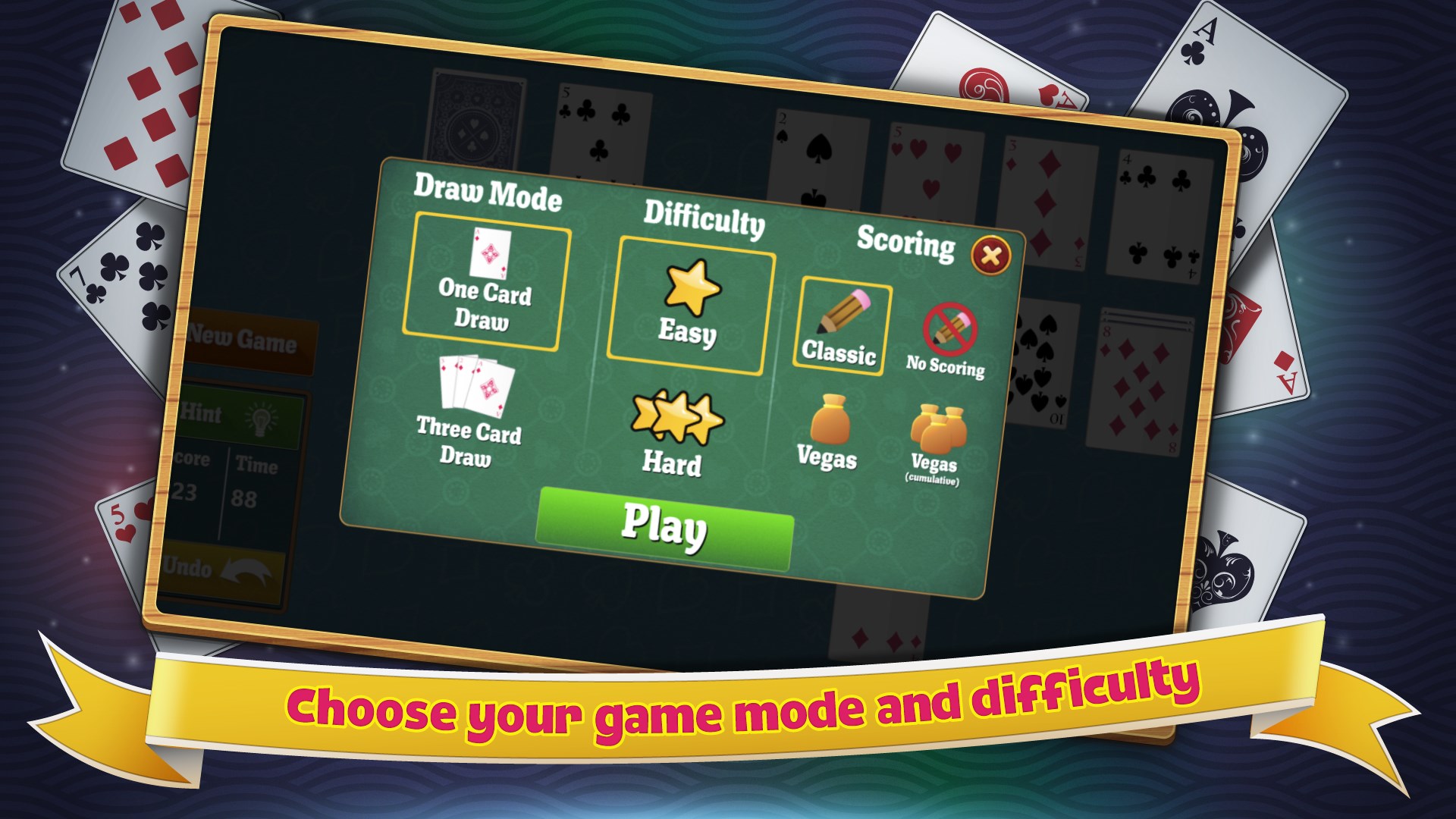
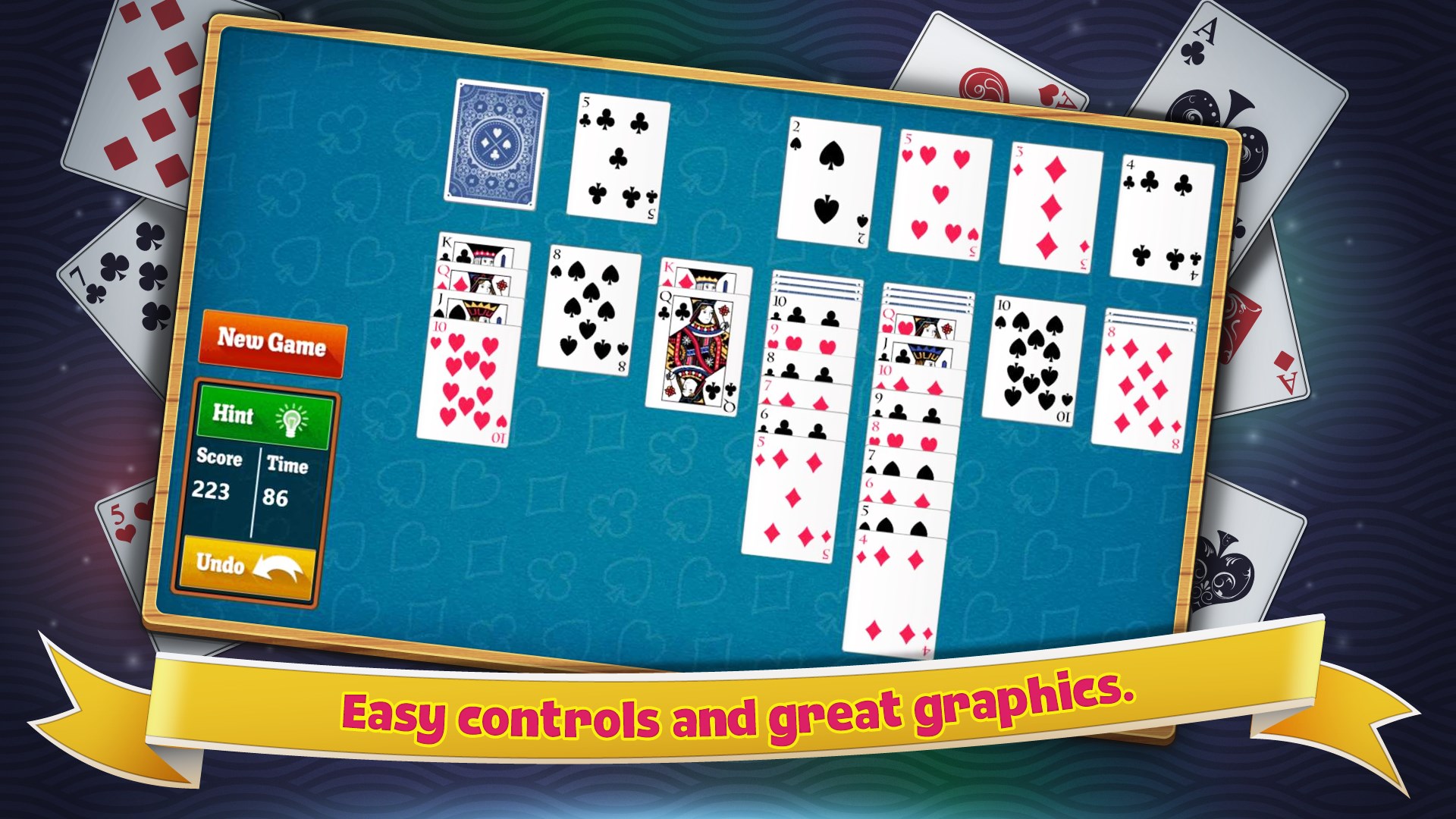
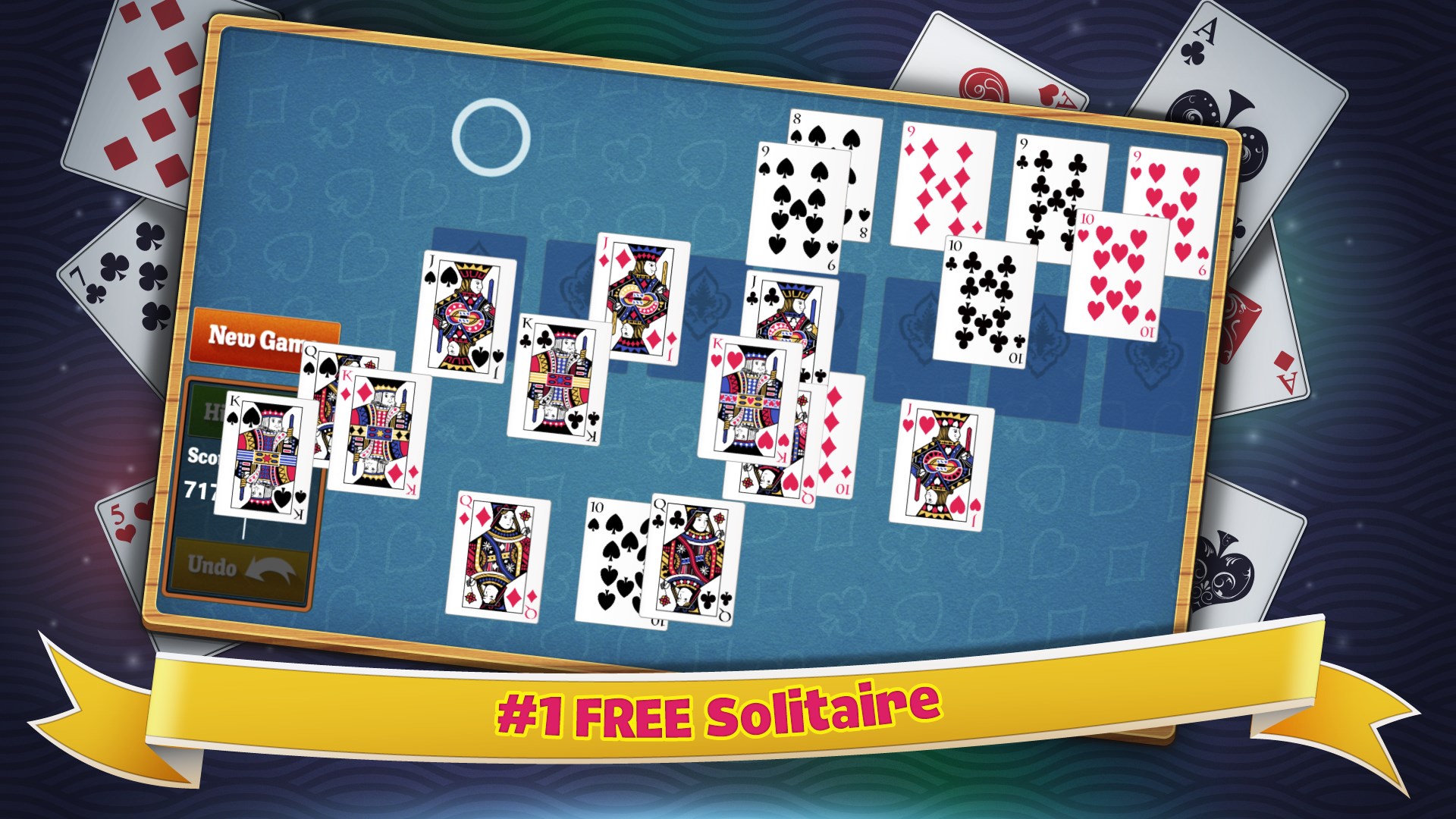
Just like the Solitaire that used to come with Windows.Select one card or three card draw.Customize your background and card back theme.Choose your game mode and difficulty.Easy controls and great graphics.Play Simple Solitaire for FREE today!

How to Play Simple Solitaire

You sit down, the cards deal instantly, and nothing gets between you and the game you already know how to play. Simple Solitaire is for anyone who wants a no-fuss round of Klondike, FreeCell, or Spider without setup, clutter, or surprises.

  1. Install and open the app — the game is ready before you have settled in your chair
  2. Choose your variant: Klondike, FreeCell, or Spider
  3. Tap or click a card to select it, then move it to a valid column or foundation pile
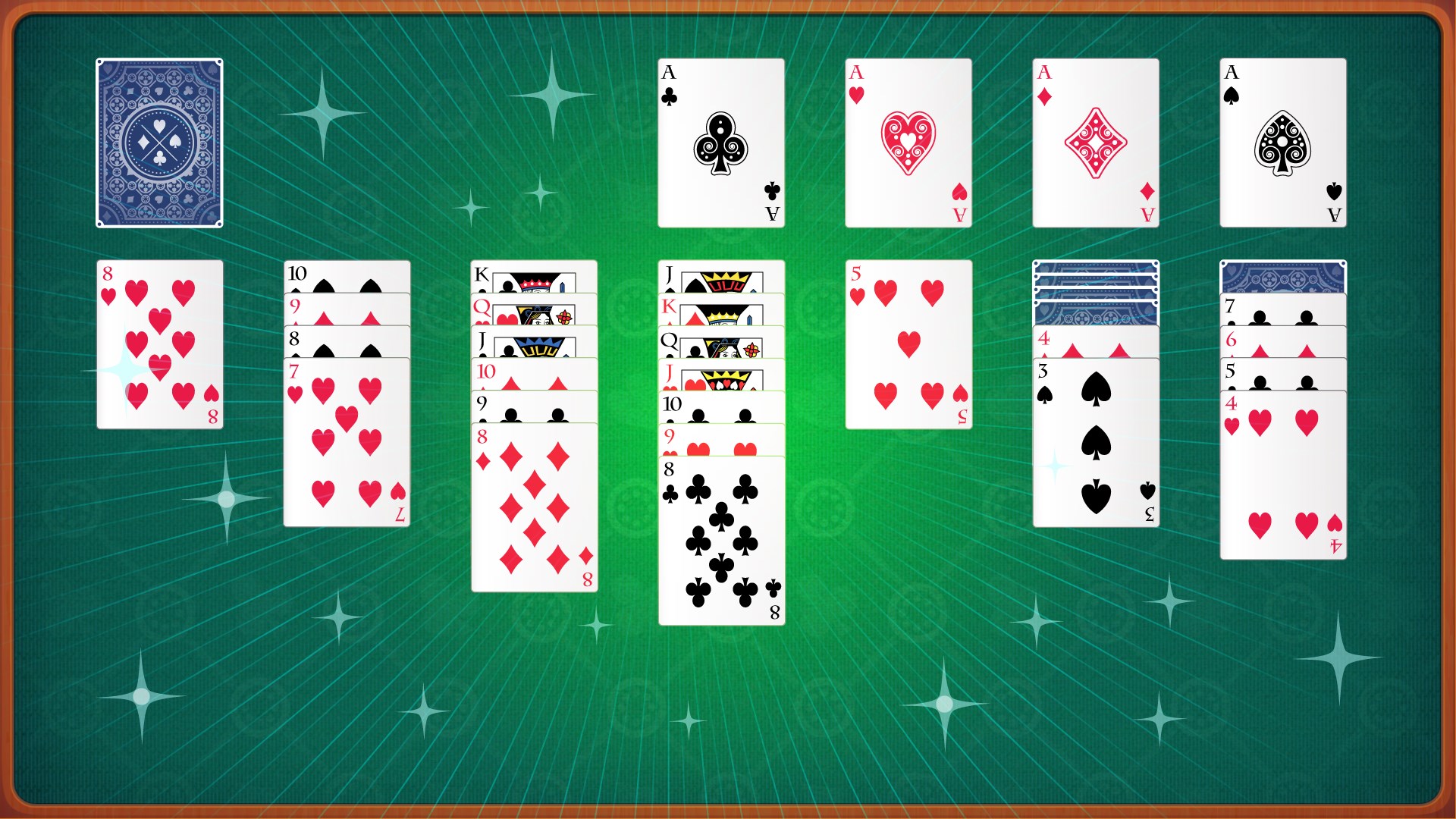
  4. Work through the deck, building foundation piles from Ace to King by suit
  5. Start a fresh deal any time with a single tap

Controls

Use your mouse or a touchscreen tap to pick up and place cards — the same way you would with a real deck. Both desktop and tablet input feel equally natural.

Scoring

Progress is tracked as you move cards onto the foundation piles; completing all four foundations from Ace to King wins the round.

When does a round end?

A round ends when you complete every foundation pile and win, or when no valid moves remain and you choose to deal again.
Tips & Tricks

  • In Klondike, uncover face-down cards before moving built sequences — hidden cards are where games are won or lost
  • In FreeCell, keep at least one free cell empty as long as possible; filling all four early leaves you with nowhere to park problem cards
  • In Spider, try to complete full same-suit runs rather than mixing suits, even if a mixed move looks tempting in the short term
  • On a tablet, a slow deliberate drag gives you better control than a quick flick when placing cards on crowded columns

Why people keep coming back

  • Three classic variants Klondike, FreeCell, and Spider all included
  • Loads in seconds no splash screens or menus standing between you and the cards
  • Touch and mouse ready works equally well on a desktop or tablet
  • Familiar feel plays exactly like the solitaire you grew up with on Windows
  • Clean interface the cards and the game take up the screen, nothing else does
  • Free to play no paywalls or purchases required to enjoy any variant

Content & audience

  • Suitable for all ages (ESRB E; PEGI 3; DJCTQ L; USK Everyone; IARC 3; COB-AU G; GRB All; PCBP 0; CSRR G; CCC TE; Microsoft 3).
  • Free game supported by advertising; no in-app purchases.
  • Single-player experience: no chat, no messaging and no user-generated content.
  • Playable offline; no account required.

Category: Video Gaming › Card Games · Store category: Card & board

Policies & support

About Simple Solitaire

Enjoy the classic game of Solitaire on Windows. Simple Solitaire loads fast and is completely free. It works great on both your desktop and tablet computer running Windows. This game is just like the classic Solitaire that used to come with Windows.

Details

Publisher
Random Salad Games LLC
Category
Card & board
Released
2012-08-16
Rating
4.6 / 5 · 473,273 ratings
Price
Free

Updated 2026-10-06 · Press kit & assets · Product data (JSON)