Random Salad Games LLC

Dominoes

Three classic domino modes, one clever opponent, zero fuss

Play free on Microsoft Store
4.5 from 184K ratings Free
  • Card & board, Strategy
  • Windows PC & tablet
  • On the Store since 2013
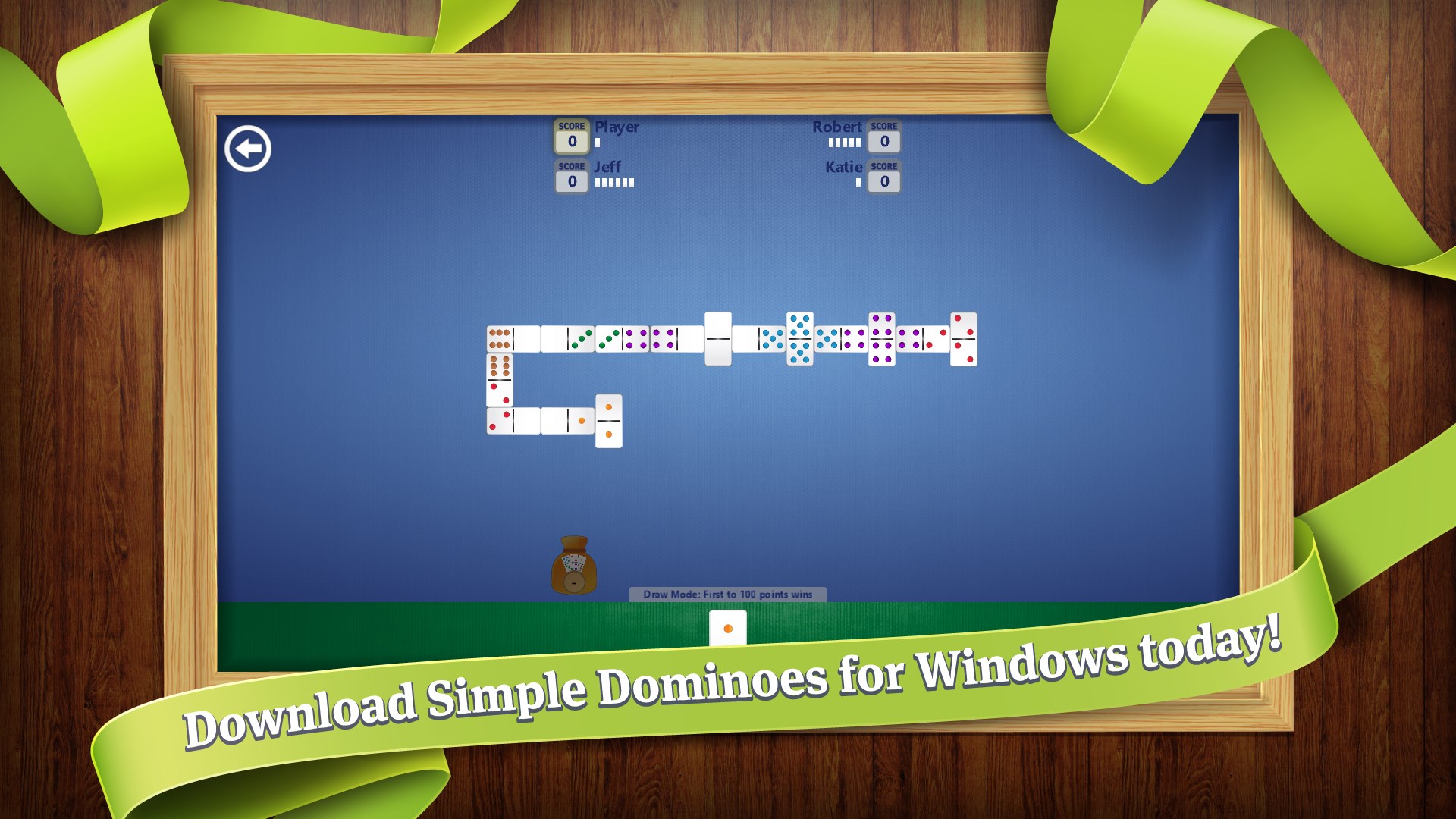
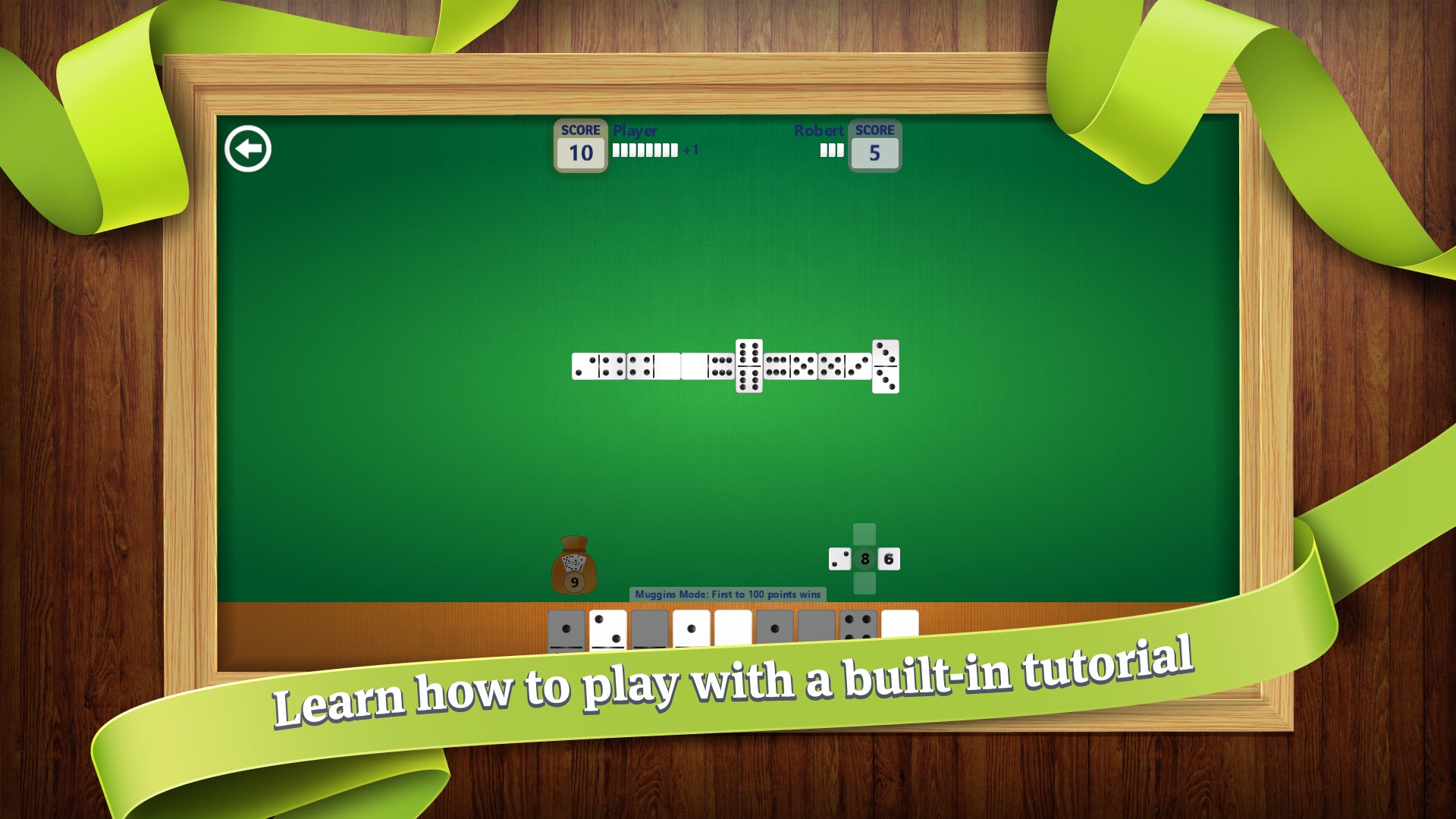
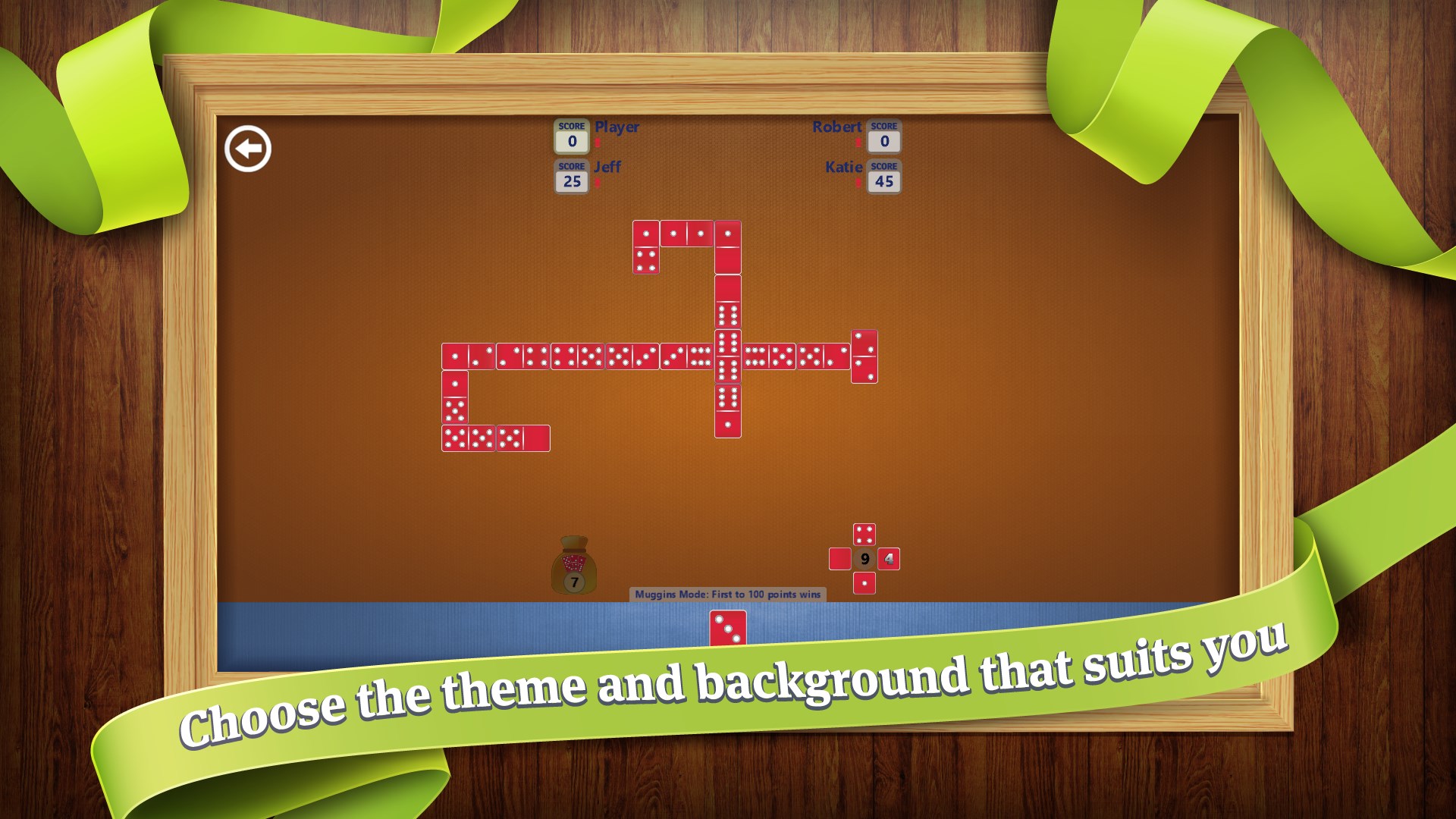
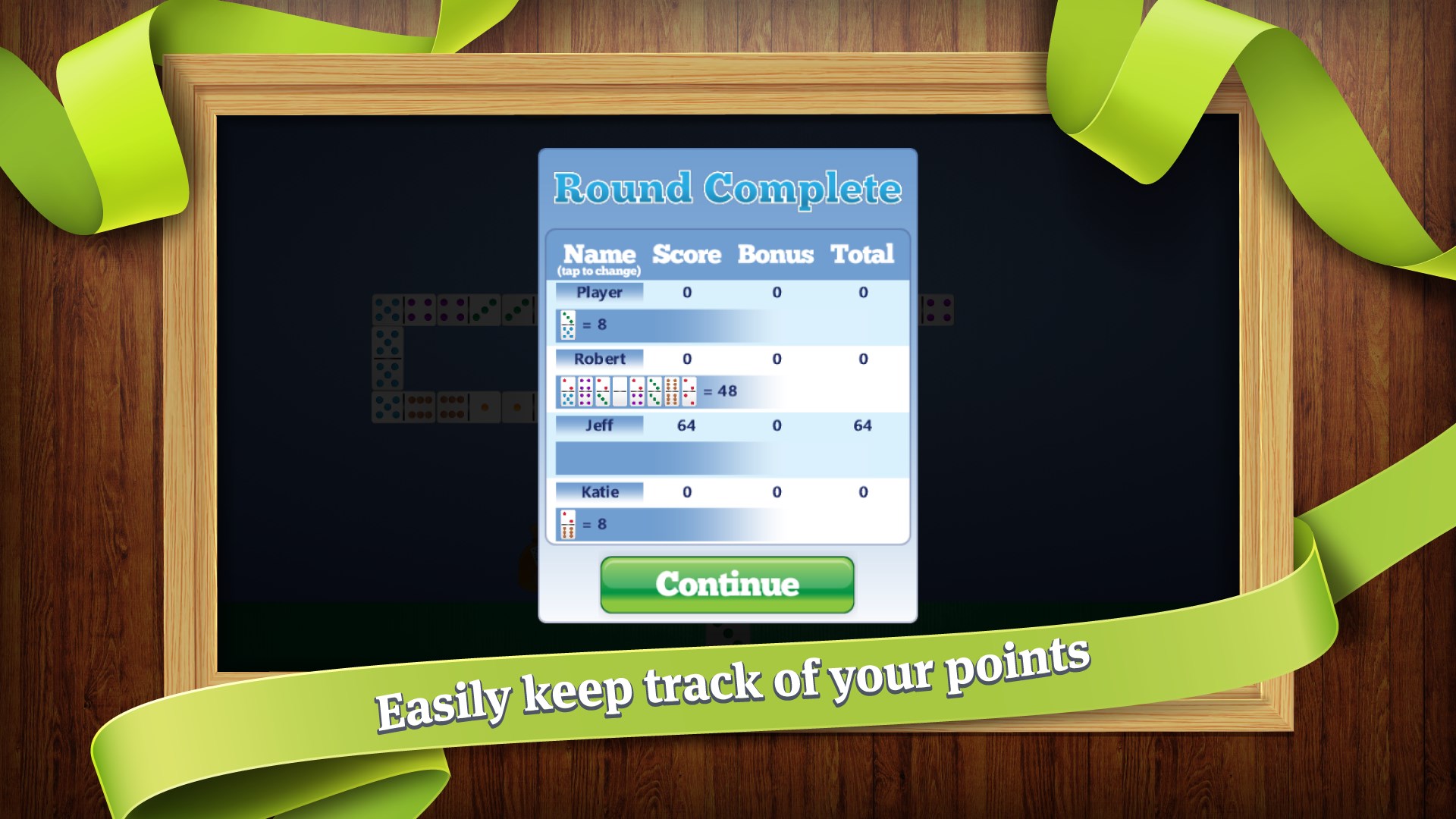
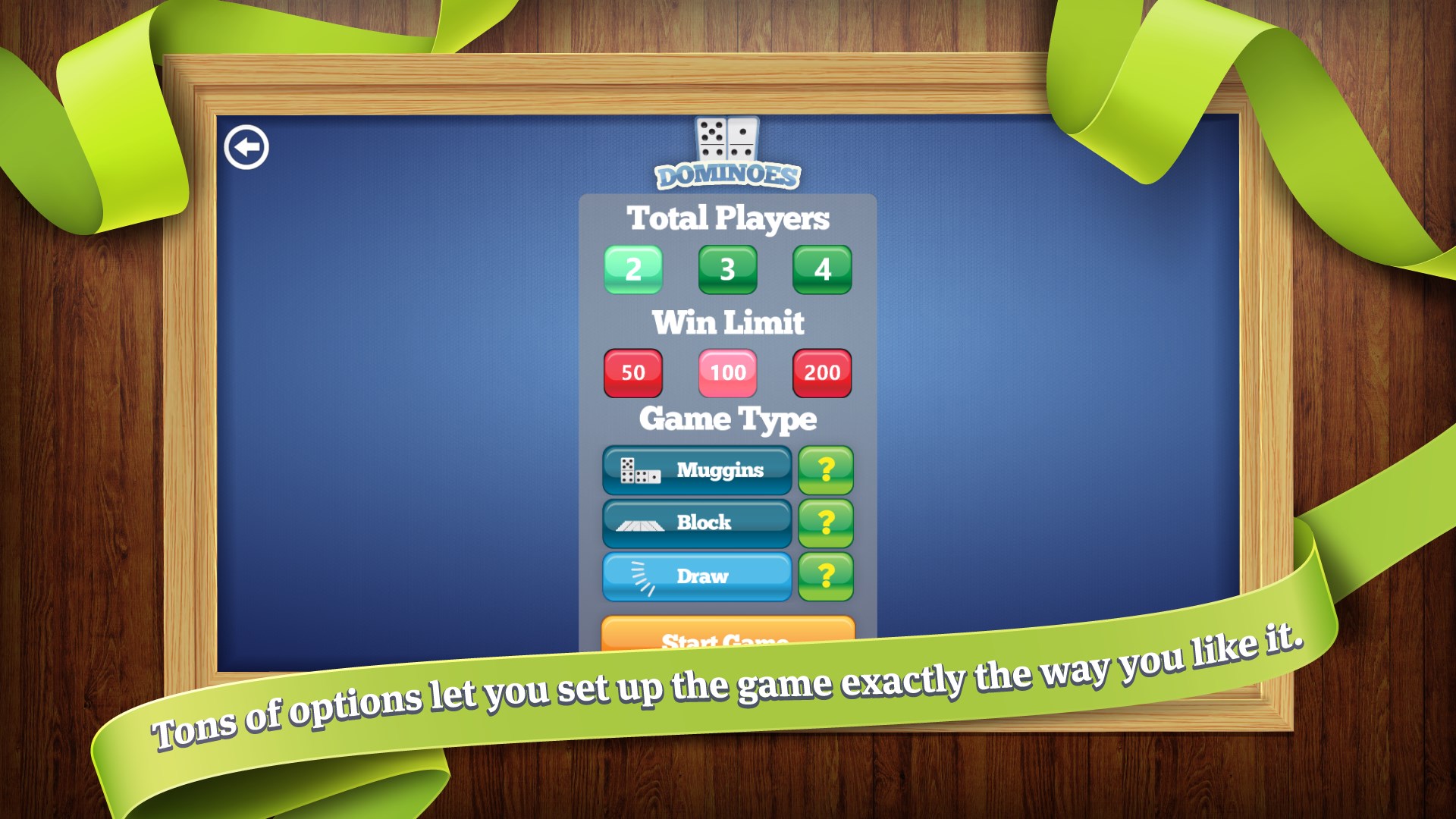
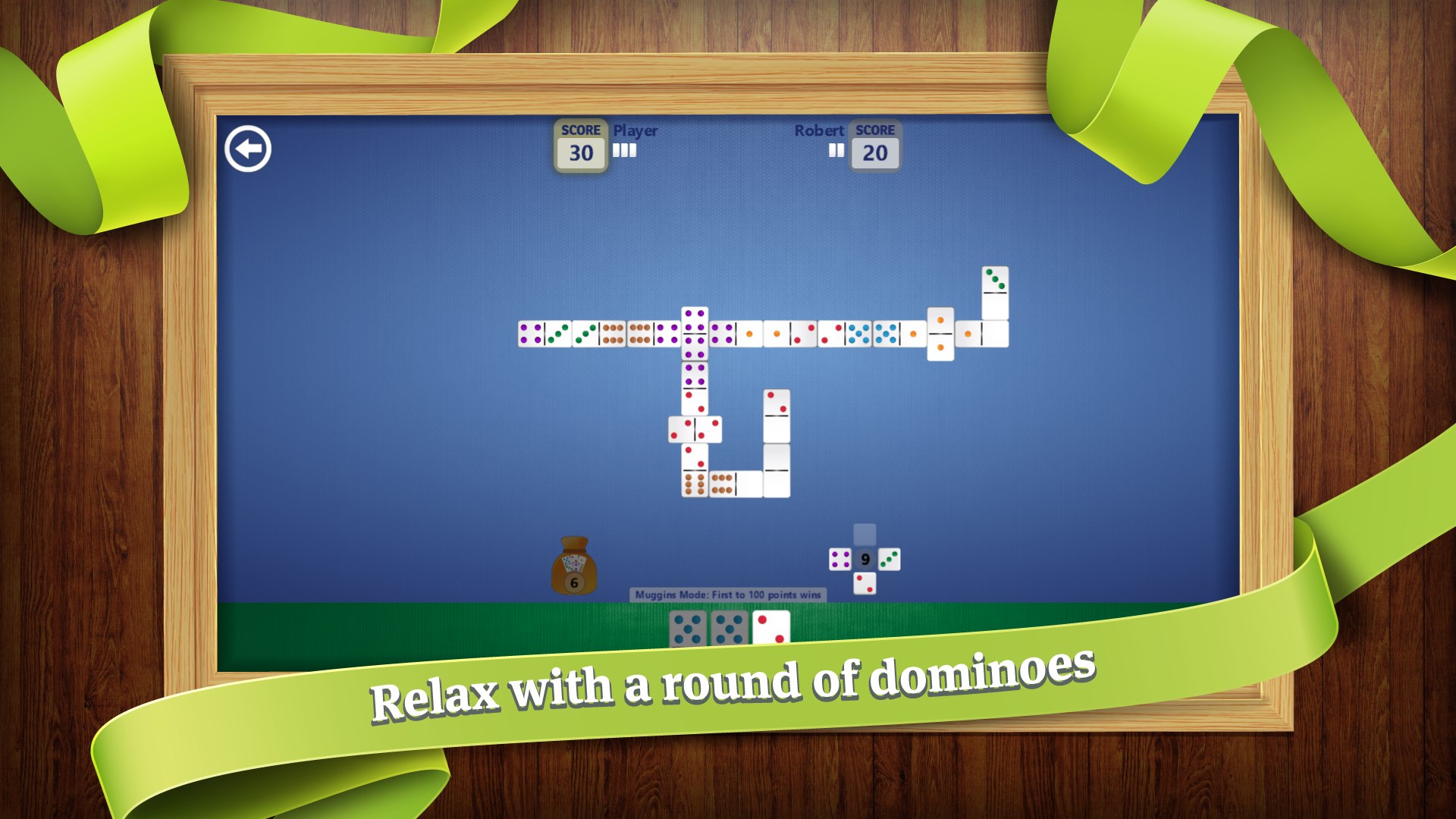
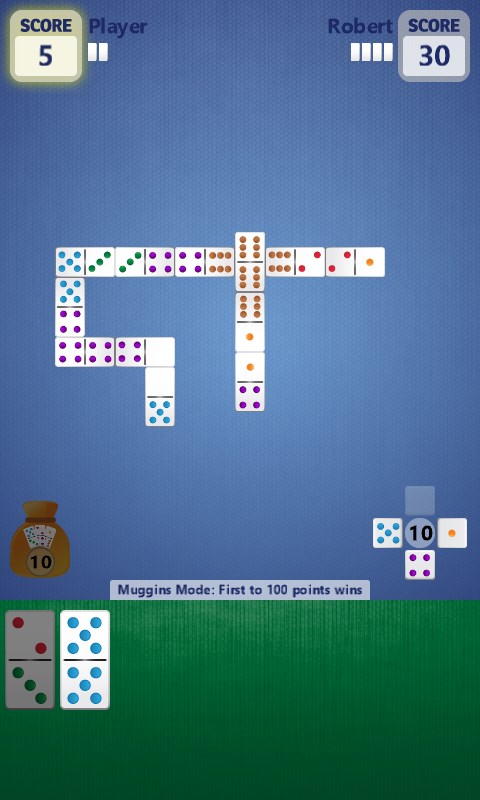
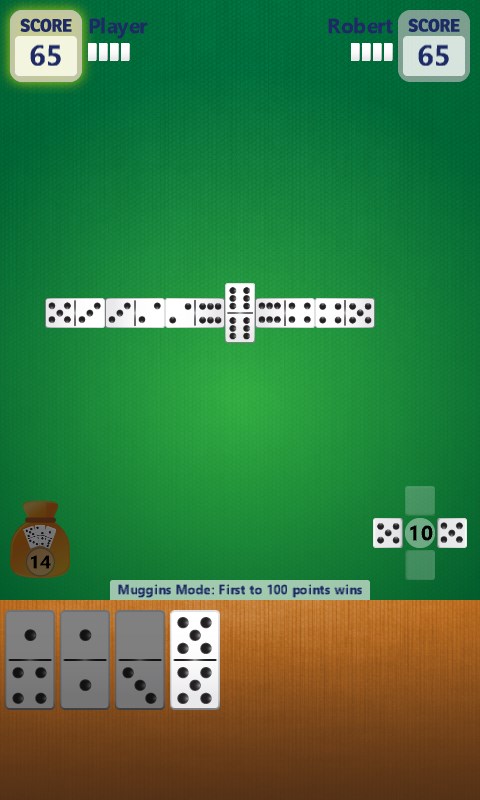
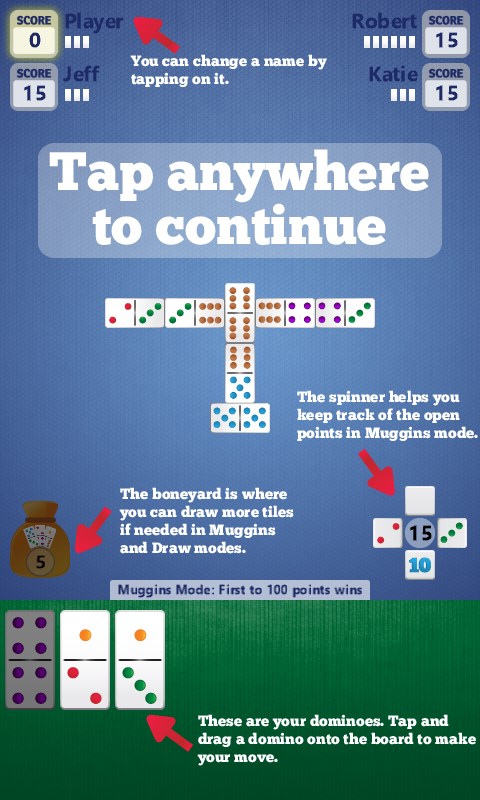
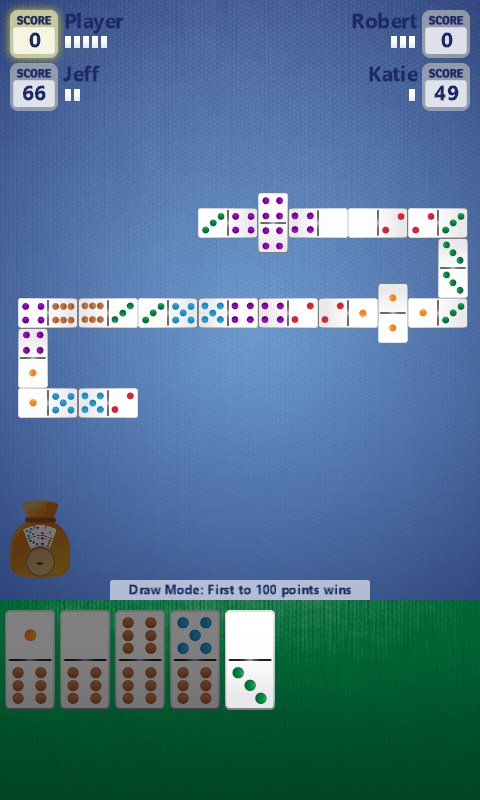
Download Simple Dominoes for Windows today!Learn how to play with a built-in tutorial.Choose the theme and background that suits you.Easily keep track of your points.Tons of options let you set up the game exactly the way you like it.Relax with a round of dominoes.Dominoes screenshot 7Dominoes screenshot 8Dominoes screenshot 9Dominoes screenshot 10Dominoes screenshot 11Dominoes screenshot 12

How to Play Dominoes

Sit down, draw your tiles, and settle into the satisfying click of a well-matched domino — the kind of focused, unhurried play that makes an afternoon feel well spent. If you enjoy classic tile games and want a clean, no-nonsense experience on your computer, laptop, or tablet, this is the one to keep installed.

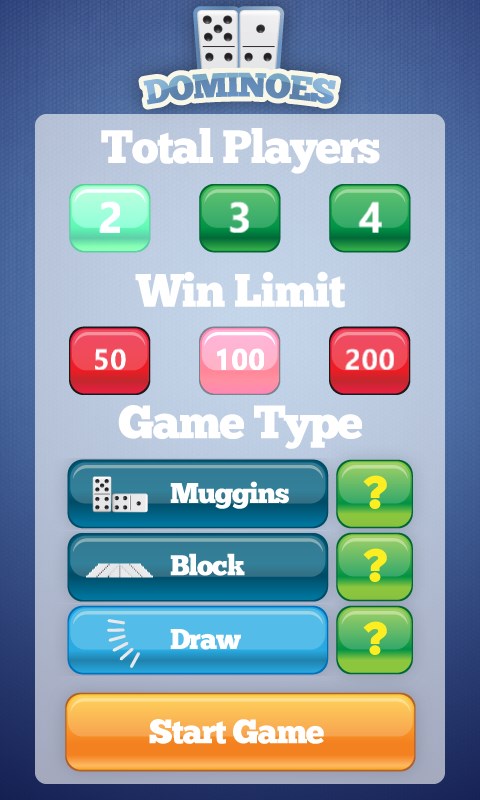
  1. Choose your game mode — Muggins, Block, or Draw
  2. Pick a theme and background that suits your mood
  3. Draw your starting hand and study the board
  4. Match tiles by number, building the chain strategically
  5. Outmanoeuvre the computer opponent to clear your hand or top the score

Controls

Play entirely with a mouse or by touch on a tablet — tap or click a tile to select it, then tap or click where you want to place it on the board.

Scoring

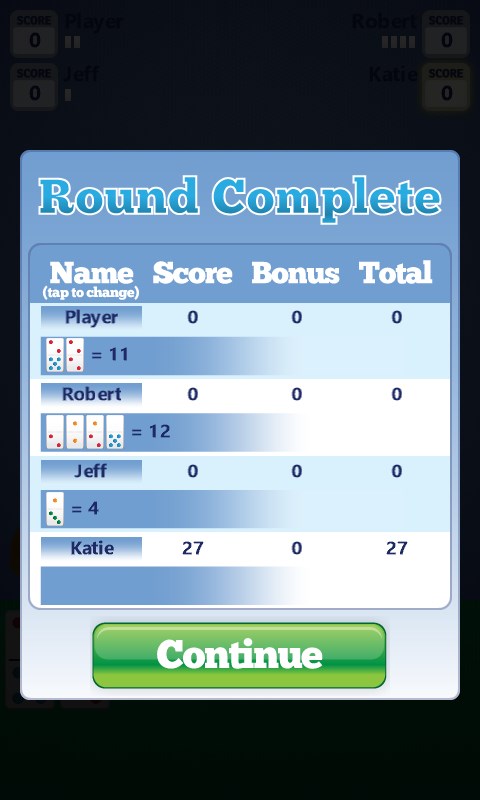
In Muggins, score points whenever open ends of the chain add up to a multiple of five; in Block and Draw, points are tallied from the tiles left in your opponent's hand when the round ends.

When does a round end?

A round ends when one player places their last tile, or when the board is blocked and neither player can move.
Tips & Tricks

  • In Muggins, keep a mental count of the open ends — forcing totals to multiples of five is often worth more than just extending the chain
  • Hold back your doubles if you can; they are the hardest tiles to place late in a blocked game
  • In Draw mode, track which numbers have appeared often so you can predict what the computer is likely holding
  • If you are ahead on points and the board is getting tight, play defensively to block rather than chase more scores

Why people keep coming back

  • Three game modes Muggins, Block, and Draw each play and feel distinct
  • Smart computer opponent adjusts to give a genuine challenge across all modes
  • Custom themes change the table look and background to match your preference
  • One install, three devices runs on desktop, laptop, and tablet without separate purchases
  • Classic rules, faithfully kept no invented mechanics, just the game as it has always been played
  • Immediate access open the app and you are at the table in seconds, no account required

Content & audience

  • Suitable for all ages (ESRB E; PEGI 3; DJCTQ L; USK Everyone; IARC 3; COB-AU G; GRB All; PCBP 0; CSRR G; CCC TE; Microsoft 3).
  • Free game supported by advertising, with optional in-app purchases.
  • Single-player experience: no chat, no messaging and no user-generated content.
  • Playable offline; no account required.

Category: Video Gaming › Card Games · Store category: Card & board, Strategy

Policies & support

About Dominoes

Play the BEST dominoes game for Windows today!

Enjoy the simple pleasures of this classic game on your computer, laptop, or tablet. Play 3 classic game modes (Muggins, Block, and Draw) against a clever computer opponent. Custom themes and backgrounds round out this spectacular game.

Details

Publisher
Random Salad Games LLC
Category
Card & board
Released
2013-07-19
Rating
4.5 / 5 · 183,628 ratings
Price
Free

Updated 2026-10-06 · Press kit & assets · Product data (JSON)