Random Salad Games LLC

Simple FreeCell

The FreeCell you remember, right where you left off

Play free on Microsoft Store
4.5 from 12K ratings Free
  • Card & board
  • Windows PC & tablet
  • On the Store since 2015
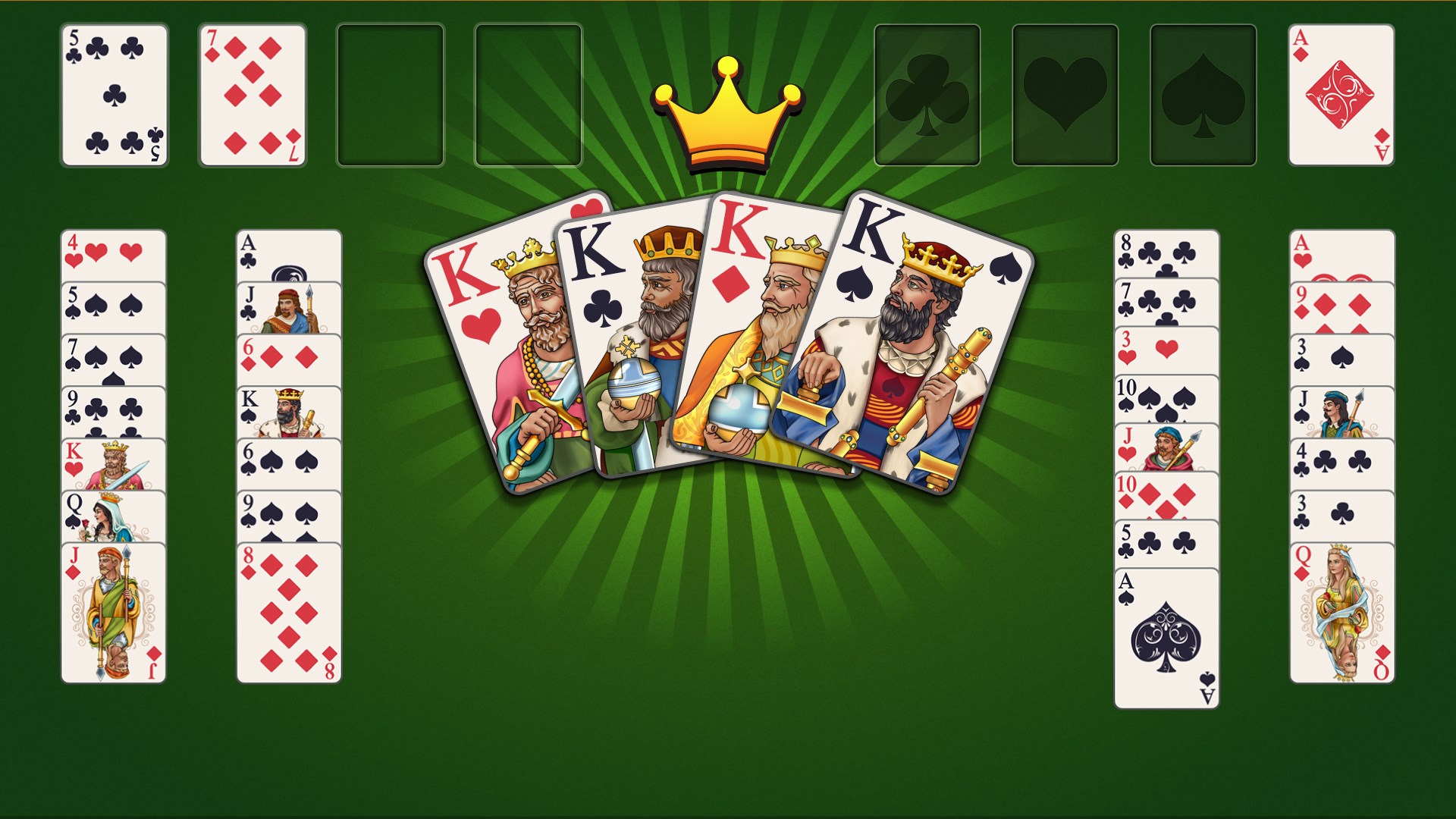
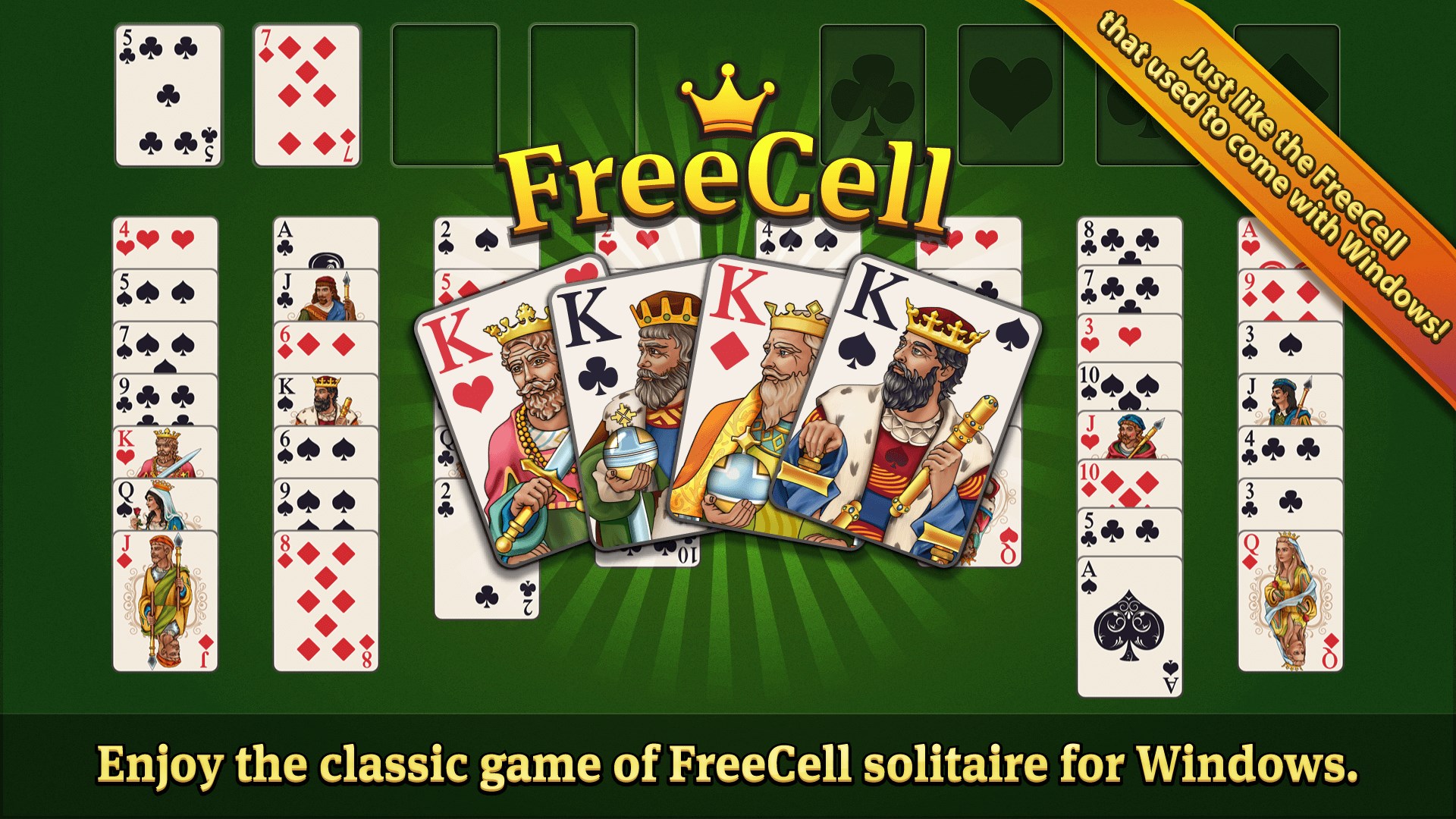
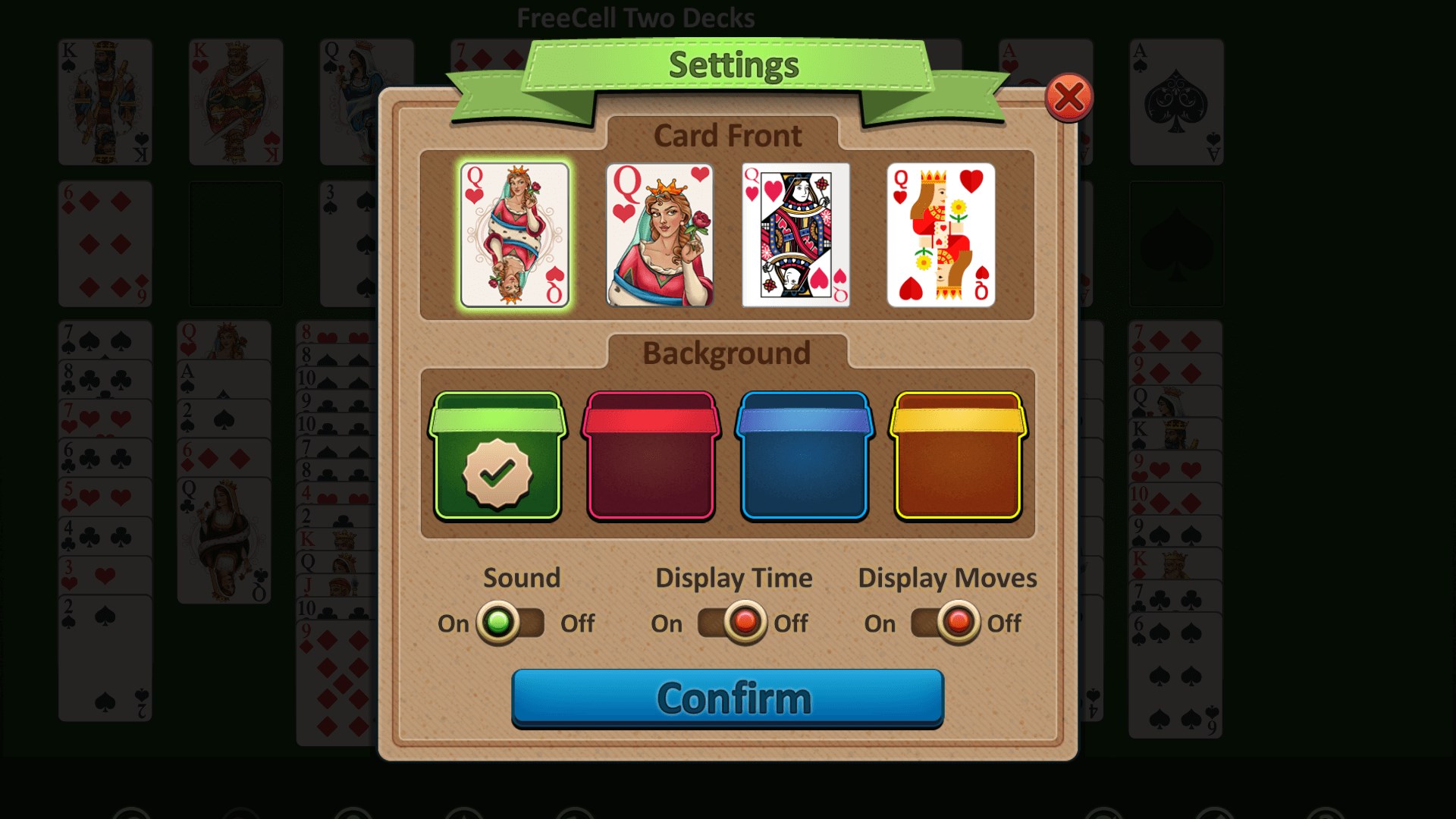
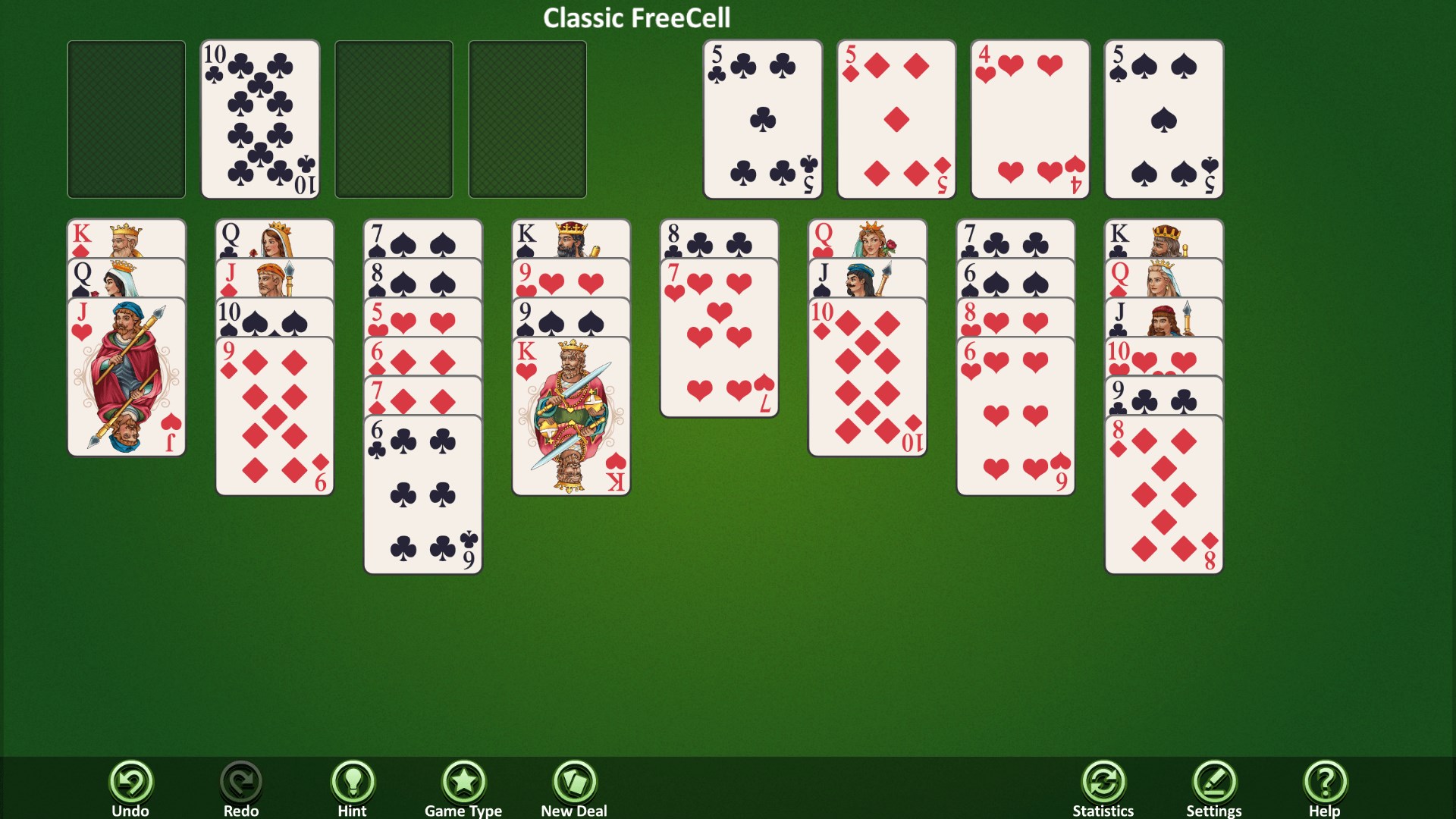
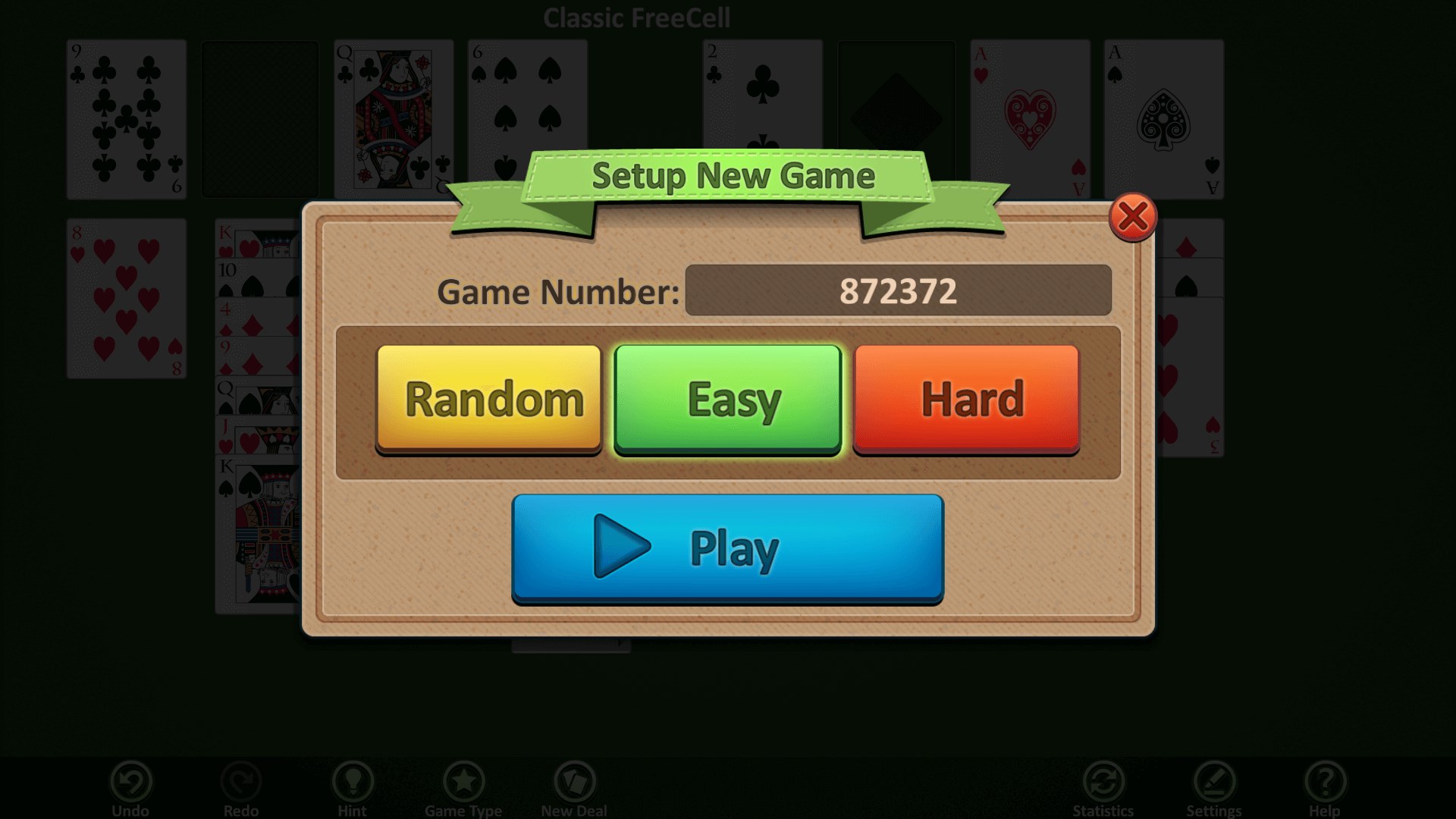
Just like the FreeCell that used to come with Windows!Customizable, easy to read cards.Game log stores previous games for replay.Download Simple FreeCell for Windows today!4 different game modes to try.Easy, hard, and random deals - even enter in custom deal numbers!

How to Play Simple FreeCell

Cards snap into place with satisfying clarity, and every move feels deliberate on a clean, uncluttered table. If you grew up playing FreeCell on your PC and want a familiar, no-fuss version that respects your time, this is it.

  1. Choose a game mode from the main menu
  2. Deal the cards and survey the tableau before your first move
  3. Drag cards to the free cells to free up buried sequences
  4. Build foundation piles from Ace to King in each suit
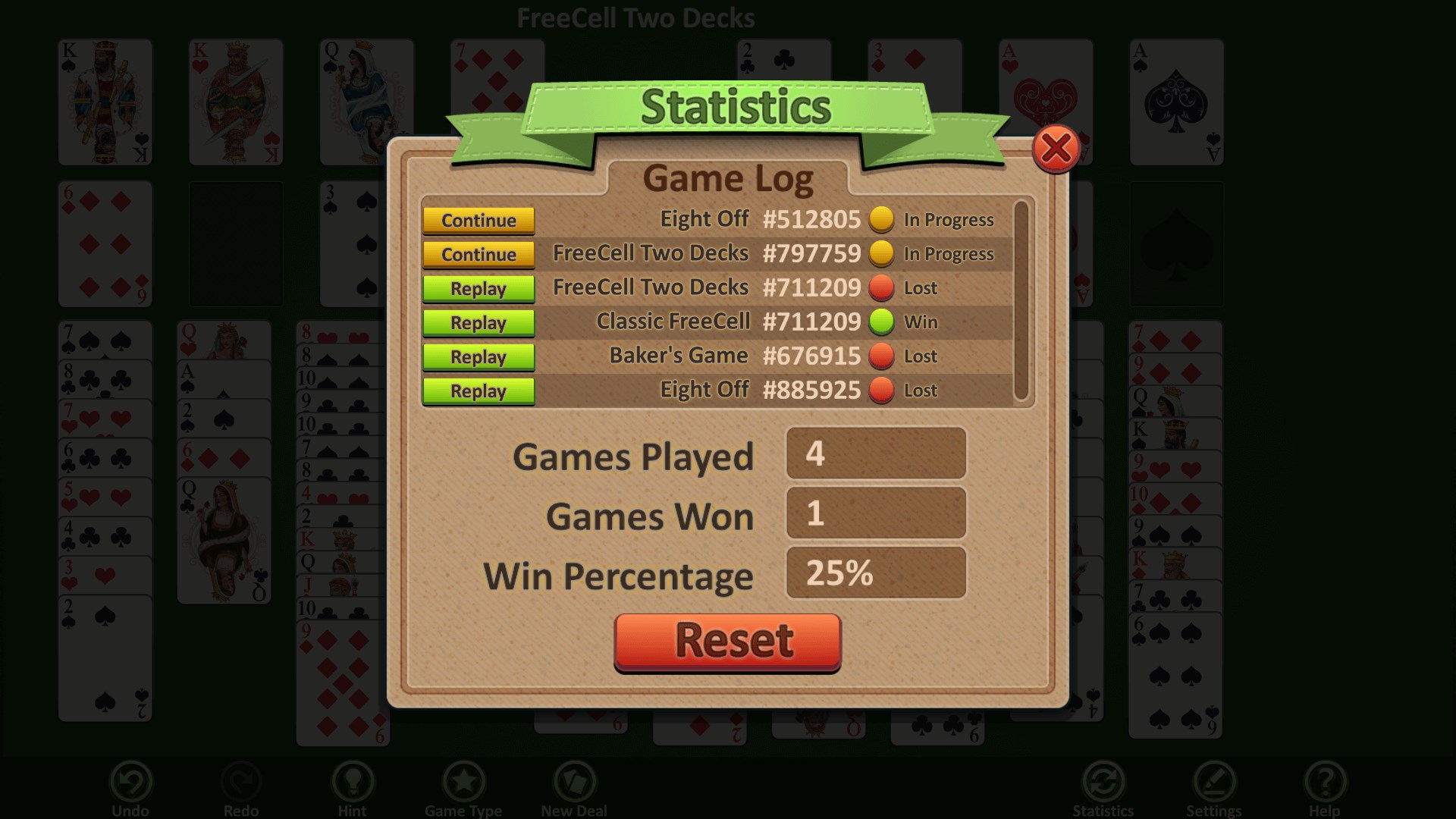
  5. Review your game history and replay any hand to beat your personal record

Controls

Drag cards with your mouse or finger to move them between columns, free cells, and foundation piles. The game accepts any legal move and gently prevents illegal ones.

Scoring

Your win percentage is tracked automatically across all sessions, so every game you play counts toward a running record you can genuinely improve.

When does a round end?

A round ends when all 52 cards (or 104 in Two Deck mode) are stacked on the foundations, or when no legal moves remain.

Tips & Tricks

  • Empty a free cell as quickly as you can — having all four occupied leaves you almost no room to maneuver
  • In Baker's Game, only same-suit sequences are legal, so plan several moves ahead before committing
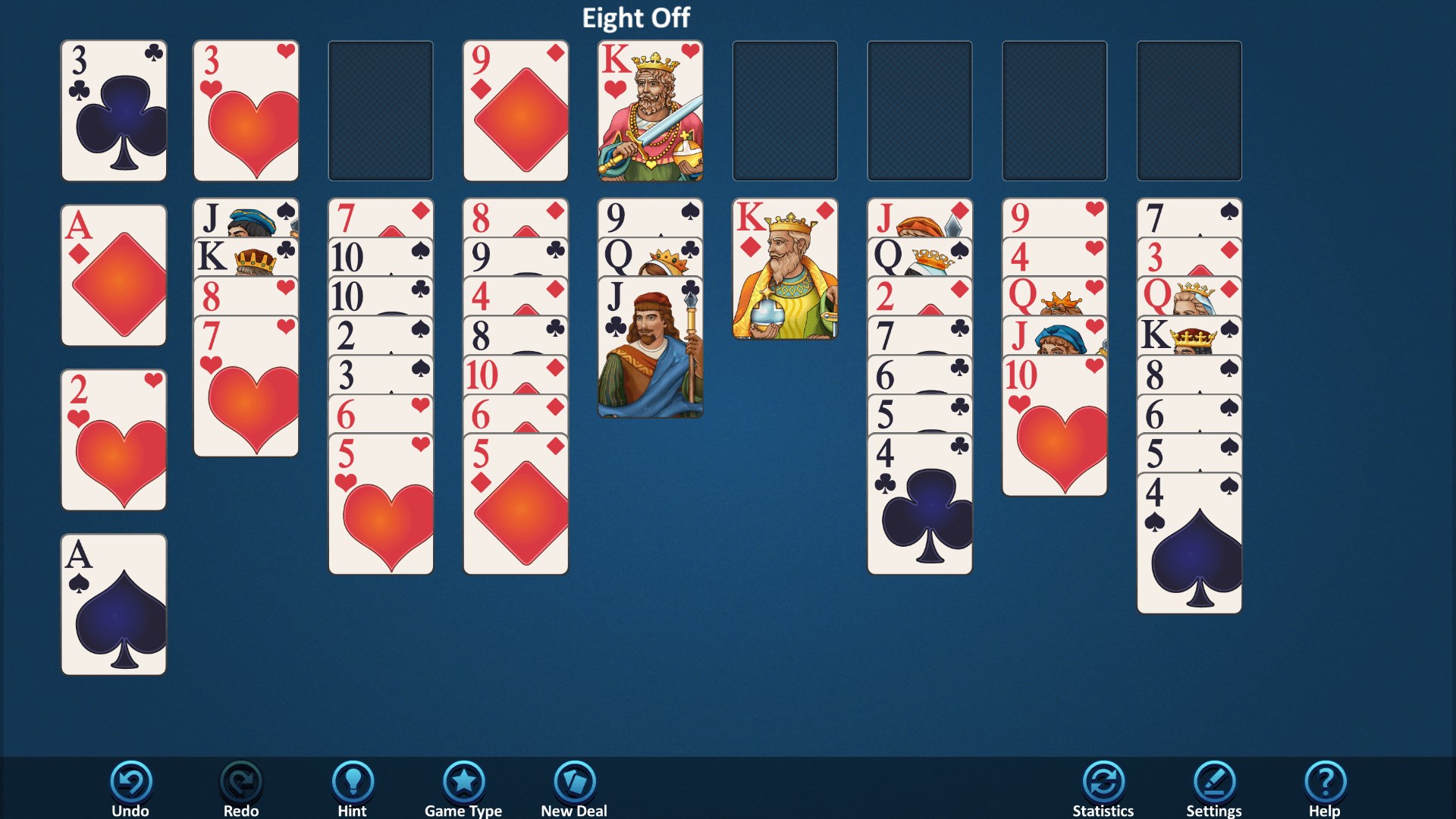
  • Eight Off gives you eight free cells instead of four, which feels generous until you realize the foundations still demand perfect order — use the extra space to untangle buried Aces first
  • If your win percentage dips, go back to a lost game in the history log and study where the position collapsed — that replay is the fastest way to spot a better line

Why people keep coming back

  • Four game modes Classic FreeCell, Baker's Game, Eight Off, and Two Deck FreeCell all included
  • Game history log revisit any previous hand and try again to lift your win percentage
  • Large card faces suits and values read clearly at a glance, comfortable for all ages
  • Familiar feel plays like the FreeCell that shipped with earlier Windows PCs, nothing reinvented
  • All experience levels straightforward controls mean beginners and veterans sit down and play immediately
  • Single focused purpose no ads interrupting play, no menus to dig through, just the card table

Content & audience

  • Suitable for all ages (ESRB E; PEGI 3; DJCTQ L; USK Everyone; IARC 3; COB-AU G (In-game purchases); GRB All; PCBP 0; TCA G; CCC TE; Microsoft 3).
  • Free game supported by advertising, with optional in-app purchases.
  • Single-player experience: no chat, no messaging and no user-generated content.
  • Playable offline; no account required.

Category: Video Gaming › Card Games · Store category: Card & board

Policies & support

About Simple FreeCell

Enjoy the classic game of FreeCell solitaire for Windows.

Simple FreeCell is just like the FreeCell that used to come with all Windows computers. It comes with 4 different game modes for you to try (Classic FreeCell, Baker's Game, Eight Off, and Two Deck FreeCell). Simple FreeCell even logs your previous games so you can go back and improve your win percentage. With large card backs and easy controls, this game is great for all ages and experience levels.

Details

Publisher
Random Salad Games LLC
Category
Card & board
Released
2015-11-17
Rating
4.5 / 5 · 12,484 ratings
Price
Free

Updated 2026-10-06 · Press kit & assets · Product data (JSON)